
Last updated
Short answer
Buy an NVMe SSD if your computer has an M.2 slot — it is several times faster than SATA and usually costs about the same. 1TB is the value sweet spot for most people. SATA SSDs remain the right choice only for older machines with no M.2 slot, where they are still a large upgrade over a hard drive.
NVMe vs SATA — what is the real difference?
A SATA SSD tops out at roughly 550 MB/s because the SATA interface itself is the limit. An NVMe drive connects over PCIe and commonly reaches 3,500 MB/s or more — several times faster on paper.
In daily use the gap is smaller than the numbers suggest: boot times and application launches are only modestly quicker. The difference becomes obvious when moving large files, editing video, or loading large games.
Since NVMe drives now cost roughly the same as SATA, the practical rule is simple: if the machine has a free M.2 slot, buy NVMe.
How much capacity do you need?
256GB is tight once Windows and applications are installed. 512GB suits a typical work machine. 1TB is the current value sweet spot and is what most people should buy.
Games are the main driver of capacity — several modern titles occupy 100GB each, so a gaming machine benefits from 2TB.
Does the brand matter?
Yes, more than for most components. SSD reliability depends on the controller and the memory it uses, and cheap unbranded drives cut costs in exactly those places.
Established names — Samsung, Kingston, Crucial, WD, SanDisk, Lexar, ADATA — publish endurance ratings (TBW) and honour warranties. A drive with no stated TBW is a drive whose maker will not commit to how long it lasts.
Will an SSD fit my computer?
Desktops almost always take a 2.5-inch SATA SSD, and most boards made in the last several years also have an M.2 slot for NVMe.
Laptops vary. Many modern laptops have only an M.2 slot; older ones have only a 2.5-inch bay. Check before buying — or bring the machine in and we will check it for you.
Available now at Zaytoun Solutions
In stock and priced today — pulled live from our catalogue.
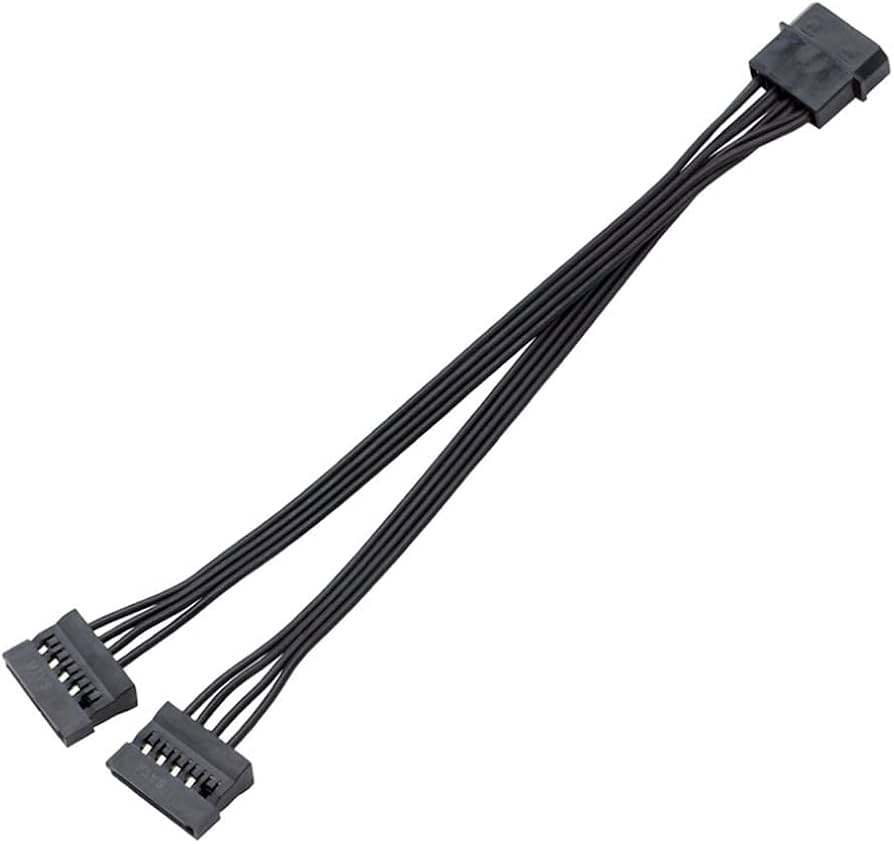
ASIAHORSE Molex to SATA Power Cable Converter – 1-to-2 Splitter, 400mm Length, Black, High-Quality Sleeved Cable for HDD, SSD
$3.21

T01 Transparent SSD SATA 3.0 Enclosure – 2.5″ External Hard Drive Case, USB 3.1 6Gbps Transfer, LED Indicator, UASP, Tool-Free, Plug & Play, PC/Laptop Compatible
$5.35
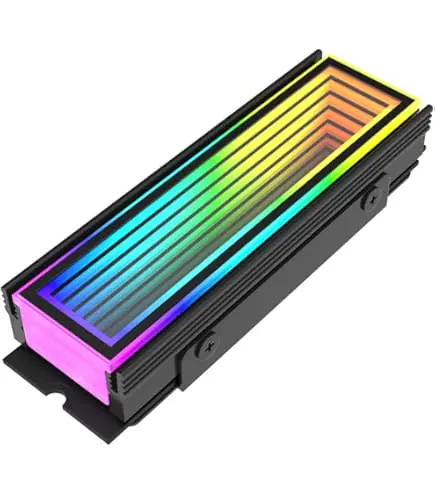
ASIAHORSE M.2 Heatsink Infinity ARGB Black – 5V ARGB Lighting, 6 LEDs, AURA Sync 3-Pin Connector, Aluminum Cooling, 73mm Compact Design for NVMe SSDs
$10.70

UGREEN 40707 - 2.5 Inch External Hard Drive Case Cover Shockproof Storage Bag Electronic Accessories Waterproof Bag Compatible with SSD HDD USB Cables SD Cards USB Stick External Battery
$10.70
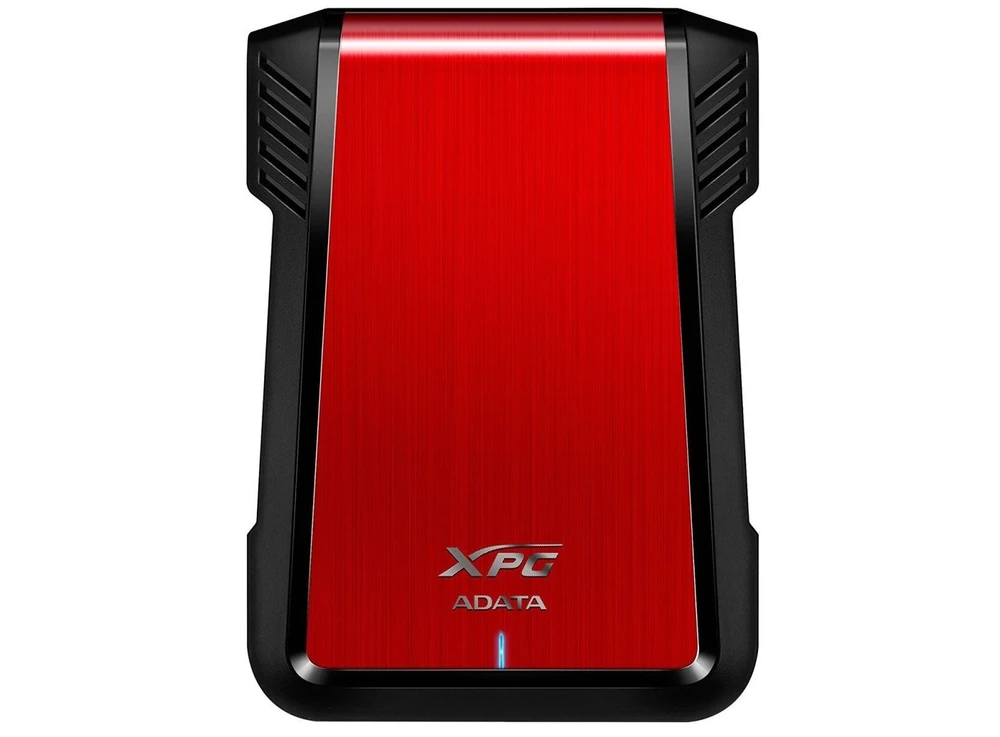
ADATA EX500 2.5" EXTERNAL HDD/SSD ENCLOSURE | AEX500U3CRD
$11.49
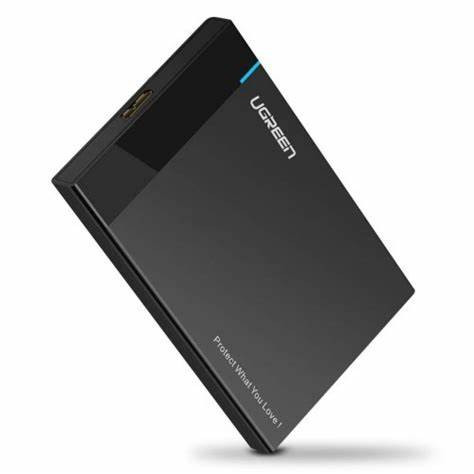
UGREEN USB 3.0 Enclosure for 2.5 inch HDD/SSD | 30848
$12.77

ADATA EC600 2.5 Inch USB 3.2 Gen2 10Gbps External HDD SSD Enclosure, Tool-Free, SATA, 7mm 9.5mm HDD & SSD Compatibility, Safety Lock, USB 2.0 Compatible | BLACK
$12.84
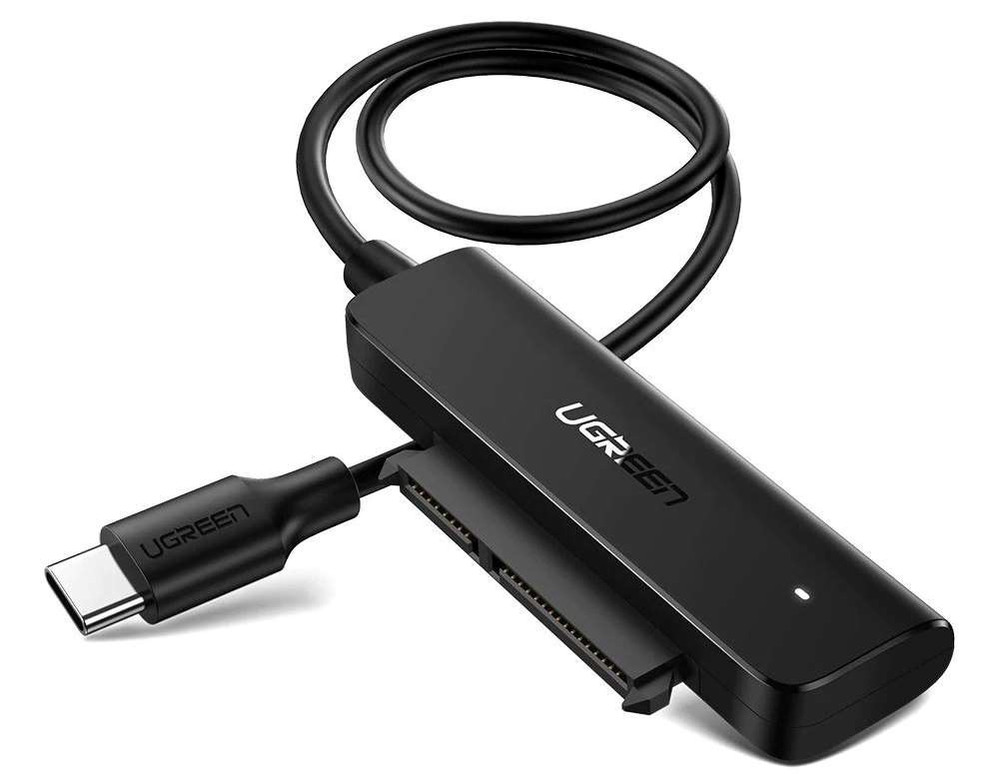
UGREEN USB-C 3.1 to SATA HDD/SSD Converter Cable | 70610
$14.04
Common questions
Is NVMe worth it over SATA?
+
Yes, when your computer has an M.2 slot. NVMe drives are several times faster than SATA and now cost roughly the same. The speed difference is most noticeable when transferring large files, editing video, or loading games; for routine browsing and office work the improvement is modest.
How much SSD storage do I need?
+
512GB is enough for a typical work computer. 1TB is the best value for most people and comfortably fits Windows, applications and a media library. Choose 2TB if you install several large games.
Can I add an SSD to my old laptop?
+
Usually yes. Older laptops take a 2.5-inch SATA SSD in place of the mechanical hard drive, which is the single biggest speed upgrade available for an ageing machine. Newer laptops use M.2 NVMe drives instead.
How much does an SSD cost in Lebanon?
+
Prices depend on capacity and type. Check our live SSD listings below for current pricing — we stock SATA and NVMe drives from Samsung, Kingston, Crucial, WD, Lexar and ADATA.