
Last updated
Short answer
For office and study, buy a 24–27 inch 1080p or 1440p IPS monitor at 60–75Hz. For gaming, prioritise refresh rate: 144Hz or higher at 1080p or 1440p. Panel type matters more than most specifications — choose IPS for colour and viewing angles unless you specifically need the fastest response times.
What size and resolution?
24 inches at 1080p and 27 inches at 1440p are the two combinations that look sharp without scaling problems. A 27-inch monitor at 1080p is noticeably grainy up close because the pixels are spread further apart.
4K makes sense at 27 inches and above, and mainly for photo, video and design work. For general use it forces display scaling and delivers less benefit than the price suggests.
Does refresh rate matter?
For office work, no — 60Hz is fine and higher rates change nothing about reading documents.
For gaming it is the specification that matters most. The jump from 60Hz to 144Hz is immediately visible in motion. Beyond 144Hz the returns diminish sharply for most players.
IPS, VA or TN?
IPS gives the best colour accuracy and viewing angles, and is the right default for almost everyone. VA offers deeper contrast and darker blacks, which suits film, but can smear in fast motion. TN is fastest and cheapest but has visibly worse colour and angles.
Buy IPS unless you have a specific reason not to.
Connections and ergonomics
Check that the monitor's inputs match your computer's outputs — HDMI and DisplayPort are standard, and USB-C monitors can carry video and charge a laptop over one cable.
A height-adjustable stand matters more for daily comfort than most specifications on the box. Monitors without one often need a separate stand or VESA arm to sit at a sensible height.
Available now at Zaytoun Solutions
In stock and priced today — pulled live from our catalogue.

Beurer MM15 Medical Face Mask Qty 10/box | MM15
$3.83
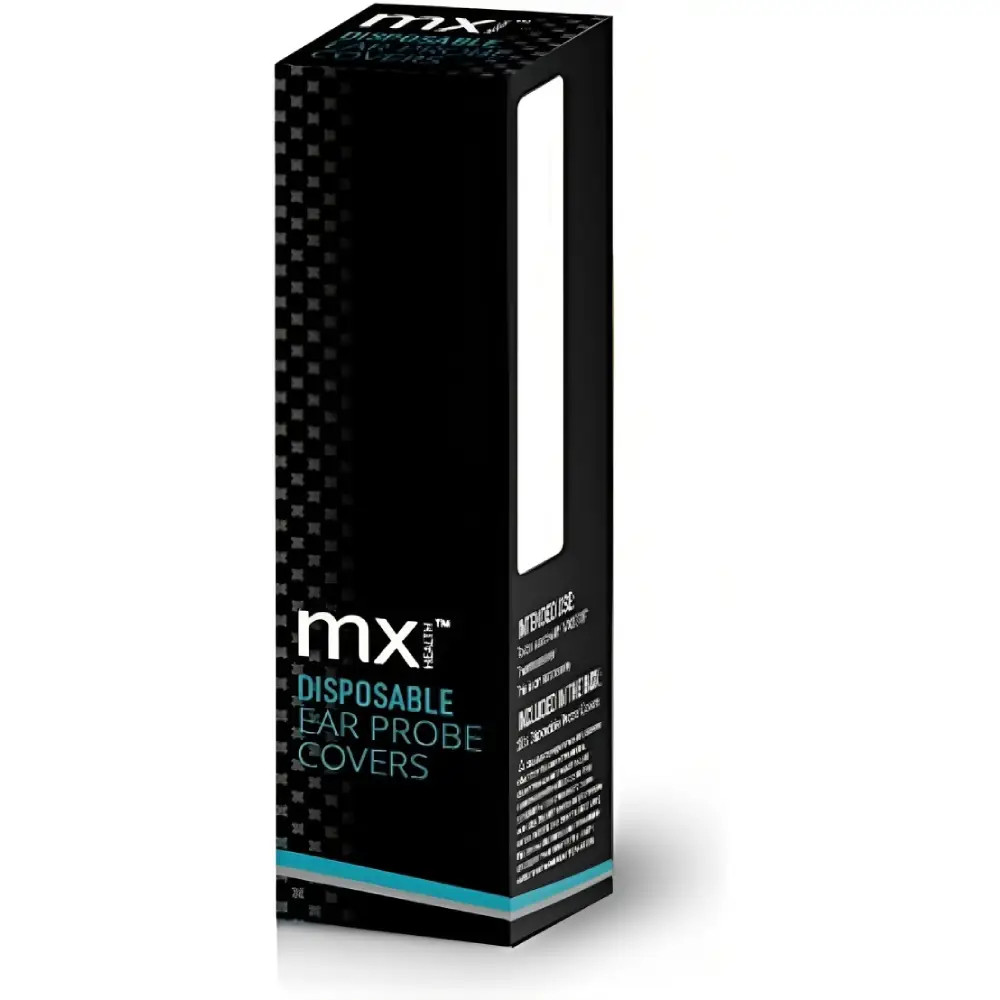
MX Health Disposable Ear Thermometer Ear Probes/covers | MX80109
$5.11

Beurer FT 09 clinical thermometer ,white | FT 09
$5.11
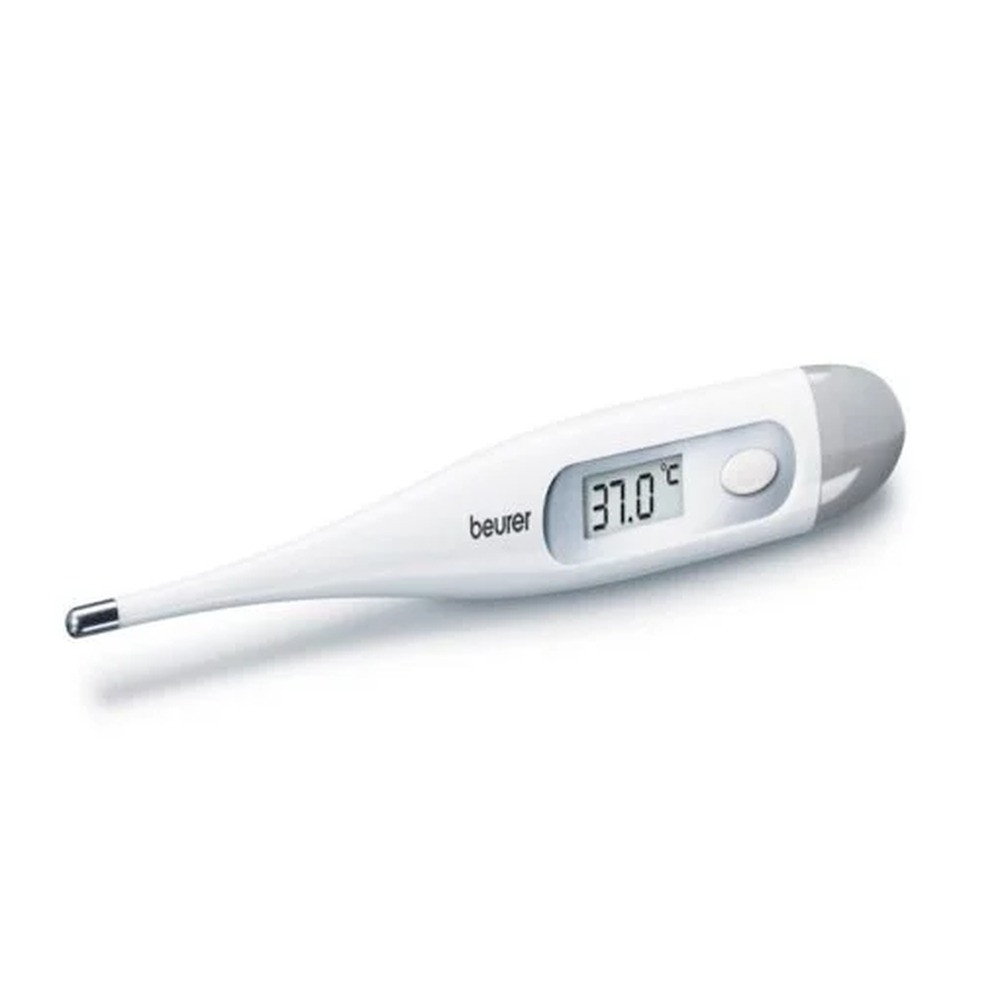
Beurer FT09/1 Clinical Thermometer White | BEU79115
$5.74
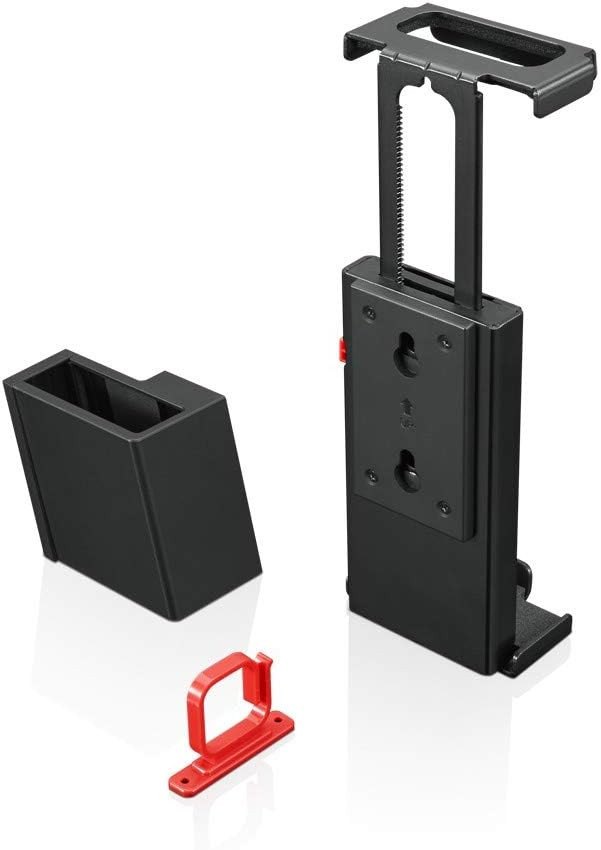
Lenovo Desk Mount for Monitor and Docking Station | 4XF0S99497
$6.38

Beurer FT 78 Replacement Protective Cap 20 Pcs | FT 78
$7.66

Beurer MM15 medical face mask Qty 20/box | MM15
$8.94

Converter Mini Display Port (Thunderbolt) to VGA Monitor Adapter
$8.94
Common questions
Is 144Hz worth it over 60Hz?
+
For gaming, yes — the difference in motion clarity is immediately visible. For office work, browsing and video, 60Hz is perfectly adequate and a higher refresh rate changes nothing meaningful.
What size monitor is best?
+
24 inches at 1080p or 27 inches at 1440p are the two best-balanced choices. Avoid 27 inches at 1080p — the image looks noticeably less sharp because the same pixels are spread across a larger panel.
IPS or VA — which should I buy?
+
IPS for most people: better colour accuracy and viewing angles. VA suits dark-room film viewing thanks to deeper contrast, but can smear in fast-moving scenes.